Confused about selecting the right Thunderbolt 5 docking station? This comprehensive guide reveals expert selection criteria, top features to prioritize, and mistakes to avoid for maximum productivity.
Thunderbolt 5 technology represents a quantum leap in connectivity, offering blistering speeds of up to 120Gbps and unparalleled versatility for modern workspaces. As remote and hybrid work models continue to dominate, choosing the right Thunderbolt 5 docking station has become crucial for professionals seeking seamless workflow integration. This comprehensive guide will walk you through every critical factor to consider when selecting the perfect Thunderbolt 5 dock for your specific needs, ensuring you maximize both performance and value.
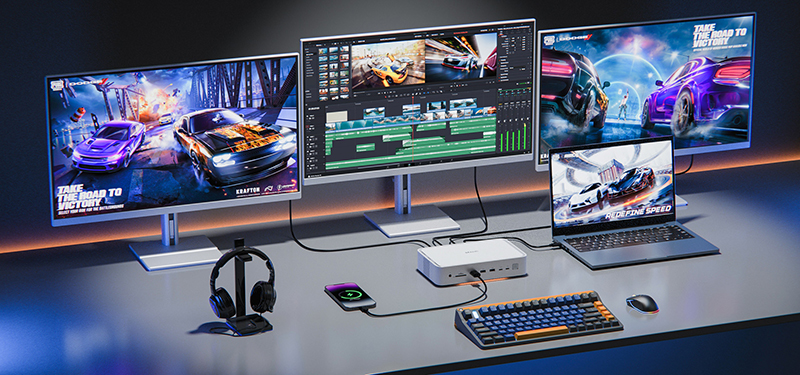
Before diving into selection criteria, it's essential to understand what makes Thunderbolt 5 special. The latest iteration of Intel's connectivity standard doubles the bandwidth of Thunderbolt 4, delivering:
120Gbps maximum throughput (with bursts up to 240Gbps)
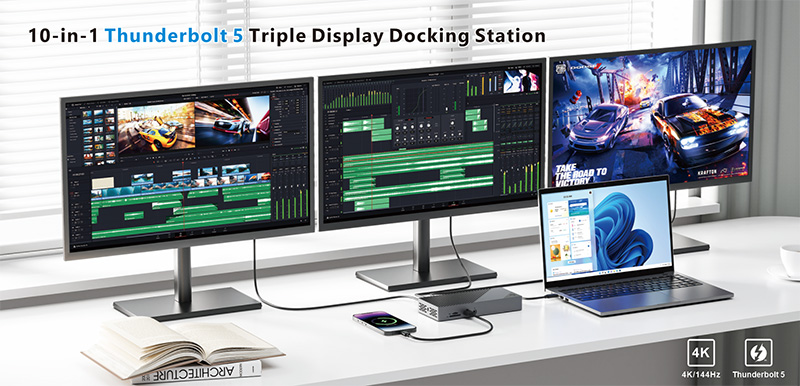
Support for dual 8K displays or triple 4K displays simultaneously
Enhanced power delivery capabilities (up to 240W)
Backward compatibility with Thunderbolt 3/4 and USB4 devices
Improved daisy-chaining capabilities for complex setups
This technological foundation creates unprecedented opportunities for professionals in video editing, 3D rendering, data science, and other bandwidth-intensive fields.
The most expensive mistake buyers make is purchasing a dock incompatible with their system. Verify these critical compatibility factors:
Computer compatibility: Ensure your laptop or desktop has a Thunderbolt 5 port (or at minimum, Thunderbolt 4 for backward compatibility)
Operating system support: Check manufacturer specifications for Windows, macOS, or Linux compatibility
Driver requirements: Some docks require specific drivers that may conflict with enterprise security policies
Expert Tip: Apple Silicon Mac users should specifically verify M-series chip compatibility, as some advanced features may be limited on non-Apple hardware.
The right port mix can make or break your productivity. Evaluate your current and future peripheral needs:
Video outputs: Consider HDMI 2.1, DisplayPort 2.1, or USB-C display connectivity based on your monitors
USB ports: Determine how many USB-A (for legacy devices) and USB-C ports you require
Specialized connections: Ethernet (2.5GbE or 10GbE), SD card readers, and audio jacks may be essential for your workflow
Expandability options: Some premium docks offer PCIe expansion capabilities for specialized hardware
Pro Recommendation: Select a dock with 20% more connectivity than your current needs to accommodate future peripherals.
Thunderbolt 5 docks can charge your devices while connected, but power capabilities vary significantly:
Laptop charging requirements: High-performance laptops often require 90W-140W, while workstations may need the full 240W Thunderbolt 5 can provide
Peripheral power budget: Consider the cumulative power draw of all connected devices
Power efficiency: Higher-quality docks maintain stable power delivery under load without thermal throttling
Thunderbolt 5's impressive bandwidth must be intelligently distributed among connected devices:
Prioritize docks with dedicated bandwidth channels for critical peripherals
Look for products that clearly document bandwidth allocation between ports
Consider thermal management systems that prevent performance throttling during extended use
Your dock should complement your workspace both functionally and aesthetically:
Material construction: Aluminum chassis dissipate heat better than plastic alternatives
Footprint considerations: Vertical docks save desk space but may have ventilation limitations
Cable management: Integrated solutions reduce clutter and prevent accidental disconnections
Mounting options: VESA compatibility allows for under-desk installation in space-constrained environments
While the Thunderbolt 5 ecosystem is still emerging, several manufacturers stand out for quality and innovation:
CalDigit: Renowned for robust build quality and exceptional thermal management
Plugable: Offers excellent value propositions with comprehensive connectivity
OWC: Specializes in macOS-optimized docking solutions with seamless integration
Cable Matters: Provides enterprise-grade durability with extensive port selection
Belkin: Delivers polished user experiences with thoughtful design elements
Even experienced tech buyers fall into these pitfalls:
Overlooking cable quality: Thunderbolt 5 requires active cables rated specifically for the standard. Using inferior cables severely limits performance.
Ignoring firmware update capabilities: The best docks receive regular firmware updates to address compatibility issues with new devices and operating systems.
Neglecting warranty and support: Premium docks typically offer 2-3 year warranties with responsive technical support—don't compromise on this critical factor.
Focusing exclusively on price: The cheapest option often results in higher total cost of ownership through replacement costs and productivity loss.
Underestimating thermal requirements: Performance-intensive workflows demand docks with sophisticated cooling solutions to maintain consistent speeds.
Thunderbolt 5 represents a significant investment, so consider these forward-looking elements:
Upgradable components: Some premium docks allow firmware updates to support emerging standards
Modular design: Docks with replaceable components extend useful lifespan
Manufacturer roadmap: Companies heavily invested in the Thunderbolt ecosystem will provide longer support lifecycles
Resale value: Premium brands maintain better residual value when it's time to upgrade
Selecting the ideal Thunderbolt 5 docking station requires balancing current needs with future flexibility. Begin by thoroughly auditing your peripheral ecosystem and workflow requirements. Prioritize compatibility above all else, followed by power delivery capabilities and port configuration that supports your most demanding tasks.
For most professionals, investing 15-20% above the minimum price point yields significantly better long-term satisfaction through improved reliability, better thermal performance, and longer useful lifespan.
As Thunderbolt 5 adoption accelerates through 2025, early adopters who make informed choices today will enjoy seamless connectivity for years to come. By applying the principles outlined in this guide, you'll select a docking solution that transforms your workspace rather than limits your potential.


